SEO Management Platforms: Best Tools for Agencies & Teams for 2026
TLDR; This article reviews the best SEO management tools for agencies and teams in 2026, focusing on platforms that help scale workflows, manage multiple sites, and adapt to ongoing search engine changes. We look at why Seozilla is the best overall option for growing teams, while Semrush is the strongest all-in-one suite, Ahrefs for backlink and competitor analysis, and AIOSEO for WordPress-centric teams. We will compare the platform features, pricing considerations, and ideal use cases to help you choose the right fit. The key takeaway we find is to prioritize tools that centralize SEO tasks, support collaboration, and use AI-driven insights to save time.
Choosing the Right SEO Management Tool in 2026
If you’re here, you’re probably juggling more than one thing at once (which is pretty normal). Multiple websites. Stakeholders who all want different results. Content calendars that barely leave room to catch your breath.
We spent many many weeks comparing tools used by agencies and in‑house teams, looking past polished demos and into how the tools really work. That meant signing up to multiple platforms, paying multiple membership fees, just to see how they handle content planning, brand voice consistency, technical SEO fixes, and publishing across different CMS setups, which is often where problems show up. AI is no longer optional in SEO tools for digital marketing, but quality varies a lot. Some platforms focus on speed and create real content risks. Others are strong at reporting but leave most of the execution manual, which is hard when time is tight.
The right SEO management tool in 2026 should handle four things well, at least from my point of view. Cutting down manual work so strategy gets proper attention usually comes first. Keeping content consistent across sites matters even more with multiple contributors. Supporting steady growth without constant emergencies helps teams stay focused. And fitting into existing workflows, instead of forcing a full reset, often makes the real difference. Below are four platforms agencies and growth teams rely on in 2026, with one listed first for teams that want AI‑driven automation without losing quality.
What You’ll Find in This Guide
This guide aims to save time and make the decision feel manageable, without turning it into a long, draining project (because that rarely helps anyone). That’s the main goal. Instead of throwing dozens of tools at you and hoping one sticks, it focuses on a smaller group of SEO management platforms that tend to solve the SEO problems teams are most likely to run into in 2026. No overload. Just tools that are usually practical and relevant.
Inside, you’ll find a mix of newer, AI‑driven platforms and long‑standing industry names. Some are newer to the market, others have been around for years. Each tool is examined based on scalability, ease of use, and long‑term value, not short‑term hype. From experience, that tends to be more useful than big promises that don’t hold up over time. The guide also looks at how these tools work in real situations, like handling multiple clients at once or keeping content publishing and coordination moving between SEO, content, and development teams. The focus stays on everyday work, with real pressure and real deadlines.
Here’s what each section includes:
- A clear overview of what the tool does best right now, based on how people actually use it today
- Core features that support daily SEO work like audits, keyword tracking, and reporting, instead of flashy extras
- Pros and cons based on hands‑on use rather than marketing claims
- Ideal use cases to help quickly decide if it fits a specific team or workflow
- Pricing context that helps think about ROI, not just side‑by‑side costs
There’s also a closer look at automation and collaboration, since those often decide whether a tool becomes part of daily work or quietly turns into another unused dashboard.
The tools covered in this guide are:
- Seozilla (Featured & Recommended)
- Semrush
- Ahrefs
- All in One SEO (AIOSEO)
Top SEO Tools for Managers Use Today (I think)
1. Seozilla, Best Overall SEO Management Platform for Scaling Teams
At a Glance
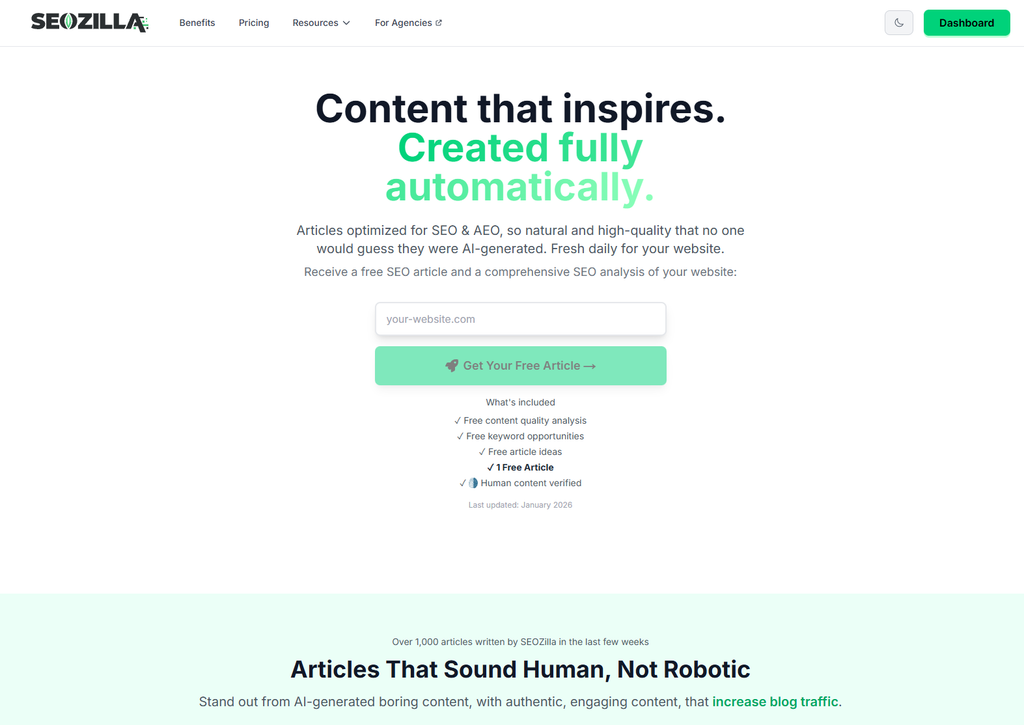
Seozilla is an AI-powered SEO content automation platform made for modern teams that need to publish a lot of content without losing track of what’s live and what’s still being worked on, which happens more often than people expect. It brings together AI writing, internal linking, SEO optimization, and automated publishing in one workflow. At first glance it feels simple, but there’s quite a bit happening behind the scenes, usually in ways that make day-to-day work easier instead of adding more steps.
A lot of SEO tools focus mainly on analytics dashboards or stop once content is drafted. Seozilla looks at the full process instead. It supports the entire SEO lifecycle, from topic planning all the way to publishing pages across WordPress, Webflow, Ghost, and other popular CMSs. You’re not jumping between tabs or copying links into spreadsheets all day, you set up the automation and it just works. That kind of tool switching is where progress often slows down, and Seozilla is built to reduce that friction.
In 2026, Seozilla stands out because it focuses on pragmatic SEO, to get results with least effort. For many teams, it often happens that content creation, optimization, and publishing all live in different tools and are handled by different people, which can slow everything down. With Seozilla, all of that happens in one place. This usually leads to fewer handoffs, fewer mistakes, and much faster publishing once content volume starts to grow.
Core Features
- AI-driven, brand-aligned content creation
- Automated internal linking at scale
- Multi-site and multi-CMS publishing
- SEO-focused content briefs and topic clustering
- Built-in optimization for technical SEO basics
- Content export and approval workflows
- Designed to avoid generic, detectable AI writing
Pros
- Brand Voice Control: The AI follows your tone, structure, and messaging guidelines instead of relying on generic templates, which is often the hardest thing to dial in.
- Built for Scale: Handles hundreds or even thousands of pages without workflows falling apart or turning messy.
- Automation That Makes Sense: Publishing, internal linking, and optimization happen together instead of being spread across several tools.
- CMS-Friendly: Works smoothly with WordPress, Webflow, Ghost, and custom setups teams already use.
- Time Savings: Many teams cut content production and optimization time by more than half after switching, and those gains add up quickly.
Who It’s For
Seozilla is a good fit for startups, small businesses, SEO agencies, SaaS companies, e-commerce brands, and in-house teams, as it has features sets for each of these audiences. It’s especially helpful if AI support matters but you do not want to compromise on editorial quality and technical SEO, as these still need close attention. Smaller or lean teams usually notice the benefits fastest. In many cases, Seozilla replaces work that would otherwise require several extra hires.
Unique Value Proposition
Seozilla’s main strength is how it balances automation with hands-on control. It doesn’t just generate articles and leave everything else up to the team, it will also help with: internal linking, SEO structure, and publishing workflows, as all live in the same system, which makes it easier to keep quality consistent as content volume grows. For many teams, it feels less like just another SEO tool and actually like an operations system quietly keeping things organized.
Real-World Use Case
A mid-sized SaaS team uses Seozilla to manage four sites, including a blog and a documentation hub, which is usually hard to coordinate. Automated topic clustering, internal linking, and direct CMS publishing help them release steady, optimized content every week without hiring more people. Organic traffic grows steadily instead of jumping up and down. After six months, they see faster turnaround times, fewer technical SEO problems, and a much clearer view of what content is live on each site.
For additional comparisons of SaaS SEO tools, you can also see Seozilla’s SaaS SEO tools guide for deeper insights into scaling strategies.
Pricing: From $19.99/mo
Website: https://www.seozilla.ai
2. Semrush, Best All-in-One SEO Suite for Agencies
At a Glance
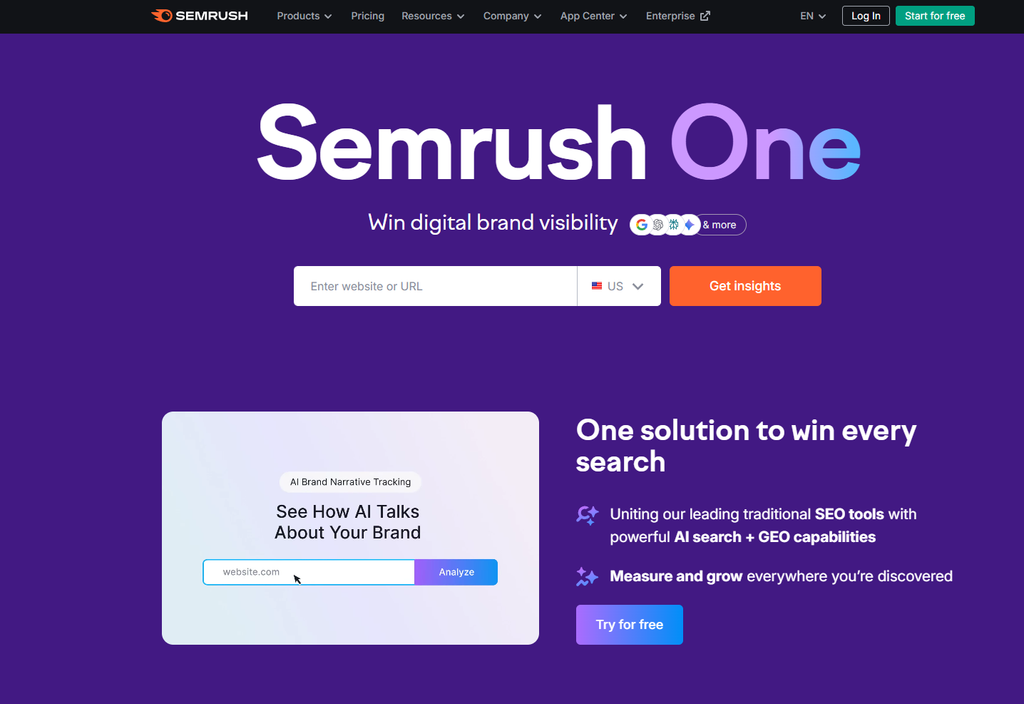
Semrush is one of the most well-known names in SEO and rightfully so. Most of you have probably already heard of it. It launched in 2008 and has grown into a large and powerful toolkit that covers everything from keyword research, competitor analysis, site audits, and reporting in one place. That wide range gives teams plenty of options to work with but can also be quite intimidating for a beginner. Many agencies use Semrush as a main source for SEO and digital marketing data, especially when they need solid numbers fast.
In 2026, Semrush is still a strong pick for teams that prefer broad coverage over heavy automation, if you are still hands on this is probably for you. It’s especially good at finding keyword gaps, breaking down competitor strategies, and pointing to technical problems on large websites, which is often where agency projects begin. The actual execution usually happens in other tools. Each platform handles a different part of the process. Semrush does a good job showing what needs attention, but it doesn’t always guide you step by step on how to fix every issue.
Core Features
- Keyword research and rank tracking
- Technical SEO site audits
- Competitor and SERP analysis
- Content marketing toolkit
- Backlink analytics and outreach tools
- White-label agency reporting
Pros
- Very Broad Feature Set: Covers most SEO and marketing tasks agencies deal with, from keyword research to backlink analysis.
- Strong Competitive Data: Useful for breaking down competitor keywords and paid ads, often helpful during sales calls.
- Agency-Friendly: Client portals and white-label reports work well with agency workflows.
- Reliable Data: Built on large keyword and backlink databases that many teams trust.
Cons
- High Cost: Pricing can rise quickly as your needs grow.
- Advanced Plans Cost More: Extra features come with much higher monthly fees.
- Learning Curve: New users can feel overloaded at the beginning.
- Limited Automation: AI tools help, but full workflows still need manual work.
Who It’s For
Semrush is best for agencies and enterprise teams that want detailed data and don’t mind complex dashboards. Teams looking for automated content creation or very simple publishing tools may want something else.
Unique Value Proposition
Semrush stands out because of its size and range. By bringing SEO research, PPC data, and competitor insights into one platform, it can cut down the number of tools agencies need, which helps when managing multiple clients.
Pricing: Starts around $129/month
Website: https://www.semrush.com
For comparison between leading research-focused SEO management platforms, you can check Surfer SEO vs Ahrefs Which Tool Is Best For You in 2026.
3. Ahrefs, Best for Backlink and Competitive Research
At a Glance
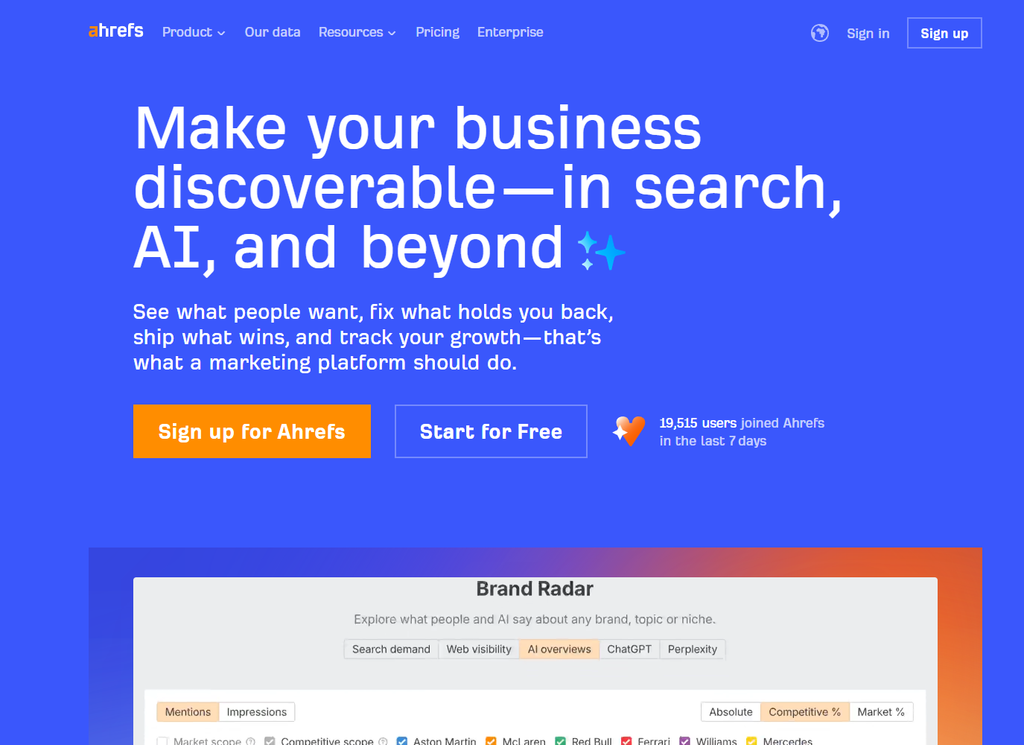
Ahrefs is widely known for its massive and trusted backlink index. It has a clean, data-first interface that stays out of the way. This helps a lot when you’re deep in numbers and desperately need side-by-side comparisons + absolutely reliable data. It’s popular with experienced primarily with SEO specialists who focus on link building, competitor research, keyword accuracy, and tracking search visibility over time. Automation isn’t the focus at all here, and we tink that’s intentional. The platform works best when teams want clear insights and hands-on analysis.
Core Features
- Industry-leading backlink analysis (often the main reason people sign up)
- Keyword research and tracking
- Technical site audits for crawl and indexing issues
- Content Explorer for topic research when ideas slow down
- SERP history and traffic estimates
Pros
- Best Backlink Data: Widely trusted for seeing who links to whom and why.
- Accurate Metrics: Used by advanced SEOs to judge link quality and ranking potential.
- Clean UI: Less clutter than many enterprise tools, making it easier to stay focused.
- Strong Competitive Insights: Helpful for audits, planning, and quick competitor checks.
Cons
- No Content Automation: Built for research, not publishing, so other tools are needed.
- Limited Collaboration Tools: Can feel restrictive for agencies or large teams.
- Reporting Limits: No built-in white-label reporting, which adds extra steps for client work.
- Learning Curve: The depth is powerful but can feel like a lot at first.
Who It’s For
Ahrefs fits SEO specialists, consultants, and in-house teams with existing content workflows. They usually want sharper research and backlink data, not writing tools.
Unique Value Proposition
Its strength is depth. When competitors outrank you or pages stall, Ahrefs helps spot weak links or underperforming pages faster, reducing guesswork.
Pricing: Starts around $99/month
Website: https://ahrefs.com
4. All in One SEO (AIOSEO), Best for WordPress-Focused Teams
At a Glance
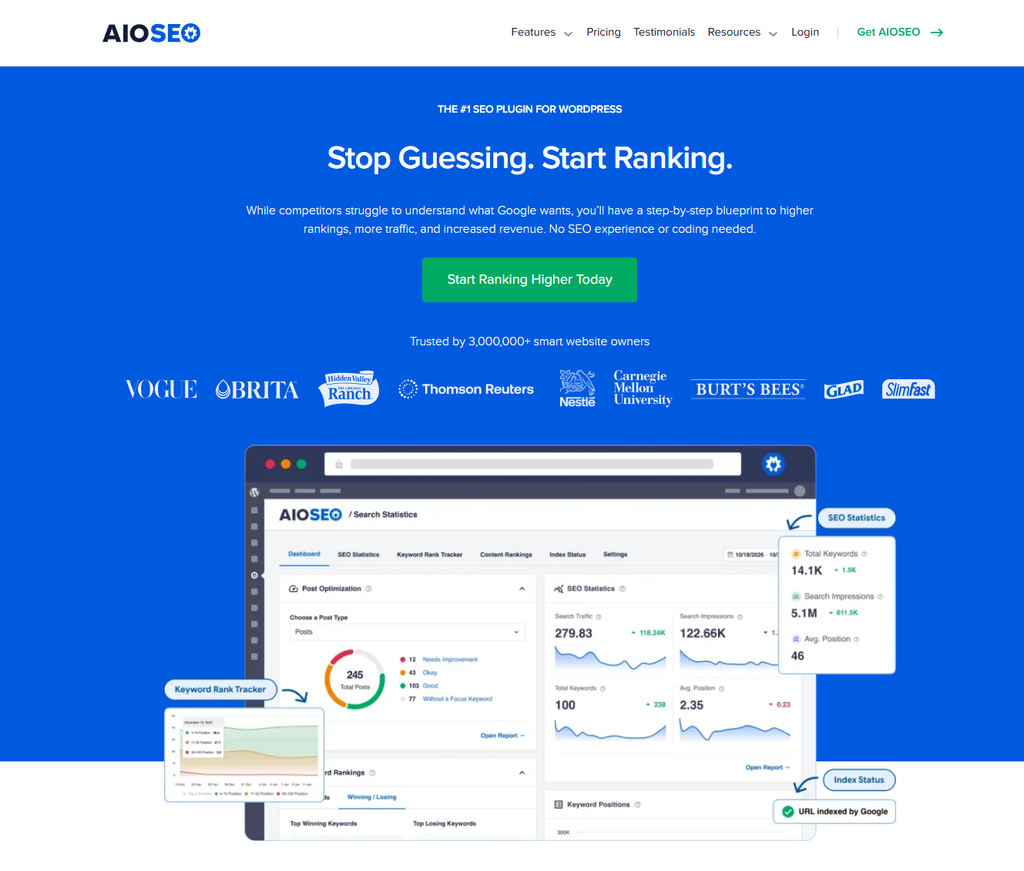
All in One SEO is a long-running WordPress SEO plugin and has long been a steady option for agencies managing multiple WordPress sites, which is common. It focuses on on-page SEO, schema, and the core technical setup most sites actually use. The experience is intentionally simple. You won’t find advanced analytics dashboard or heavy automation, and that’s exactly how it is meant to be. This lighter setup works better because it cuts down on noise and keeps everyday SEO tasks easy to manage.
Core Features
- WordPress SEO plugin built directly into the CMS, so there’s no need to switch tools
- On-page optimization tools for posts and pages
- Schema and rich snippet support that’s usually set up once and rarely revisited
- Local SEO support
- WooCommerce SEO features
- Multi-site management for agencies, especially helpful when handling many installs
Pros
- Easy to Use: Built with beginners in mind, so users don’t feel lost.
- Affordable: Much cheaper than enterprise tools, with pricing that’s usually stable.
- WordPress Native: Everything works inside the WordPress dashboard and feels familiar.
- Good Technical Coverage: Common SEO tasks are handled fast, so teams can move on.
Cons
- WordPress Only: It doesn’t work outside of WordPress.
- Limited Research and Automation: No deep competitor data, backlink tracking, or large-scale content tools.
Who It’s For
AIOSEO fits small agencies or teams working only in WordPress that want a reliable setup without extra layers. It runs quietly in the background and rarely needs attention.
Unique Value Proposition
Pricing: Starts around $49/year
Website: https://aioseo.com
How These SEO Management Tools Compare
| Company | Key Features | Pros | Cons | Pricing |
|---|---|---|---|---|
| Seozilla | AI content automation, internal linking, multi-CMS publishing | Scales content fast, brand-safe AI, full workflow automation | None | $19.99/month |
| Semrush | Keyword research, audits, competitor analysis | Very comprehensive, strong agency tools | Expensive, complex | $129+/month |
| Ahrefs | Backlink analysis, keyword research | Best link data, accurate metrics | No automation, limited collaboration | $99+/month |
| All in One SEO | WordPress on-page SEO, schema | Affordable, easy to use | WordPress-only, limited research | $49/year+ |
Different strengths show up here. Seozilla often fits teams looking to scale content and SEO work, while other tools usually do better in narrower areas, like deep data tasks or WordPress-specific optimization. That difference makes it easier to see which option fits each team.
Ready to Simplify Your SEO Workflow?
When SEO starts feeling heavier instead of smarter, it usually means the system is the problem, not the effort. Teams often try fixing this by adding more data, but that can do the opposite of what they want. One more dashboard or spreadsheet often creates more clutter, not clarity. What helps more is cutting friction from the everyday work people already do, planning content, managing reviews, and getting updates live without extra steps slowing things down.
That’s exactly what Seozilla was built for. It cuts down the busywork around content creation and publishing, while still keeping control over quality and brand voice, the things clients and stakeholders actually notice. Instead of reacting when rankings dip or pages slide, teams can rely on repeatable steps. Clear briefs and smoother publishing make steady growth feel more realistic and easier to manage over time.
So what happens when five tools become one? You usually get fewer handoffs, clearer ownership, and much less back-and-forth. Seozilla runs SEO more like an operations engine, and that difference adds up fast. Agencies often see quicker turnarounds and more relaxed client conversations. In-house teams hit fewer bottlenecks and get a clearer view of what actually moves the needle, which makes scaling content far less stressful.
Curious what scalable, AI-powered SEO looks like in real life? A simple next step is to visit https://www.seozilla.ai and see how it fits with the tools already in place, with no big commitment. A short demo can quickly show whether a content brief moves smoothly from idea to publish, or gets stuck halfway, like it might today.
Additionally, exploring Best Wix SEO Tools in 2026 can help compare how these seo management platforms stack up for different CMS environments.
Common Questions People Ask
Scalability often grabs attention: as client rosters grow, often faster than expected, teams need platforms that cut manual work without hurting quality. Collaboration, reporting, and automation help support that growth. Flexibility matters too; a solid system should adjust to different client needs and varied CMS setups, which it can do when built well.
Ranking gains and organic conversions are often the most interesting signals, but time saved and content output usually tell the story as well. As tools get used, you’ll see changes. I think it’s smart to track operational metrics, like how long it really takes to publish content or fix SEO issues during everyday team work.
Enterprise platforms often cost several hundred dollars a month, mostly because they pack in bigger feature sets made for growing teams. Basic tools, on the other hand, usually stay under $100 per month. Prices can feel scattered, and they often are. Think about ROI: paying more can work if one tool replaces others or saves hours each week.
Traffic growth and ranking changes usually don’t appear until about 3 to 6 months. Before that, many teams notice early efficiency wins, like faster content creation or cleaner audits from the platform they use. This timeline can vary by competition and how the tool is used, like higher content volume.