10 Best SEO Toolbars for Browsers 2026

Anyone working in digital marketing, SEO, or managing online content knows how helpful the best SEO toolbar extensions can be for getting accurate, up-to-the-minute SEO data right when you need it. Especially in the middle of a task, these tools help you stay focused and avoid losing momentum. Waiting for reports can slow things down. However, browser-based SEO toolbars remove that wait entirely. With one click, you can check keyword metrics, see backlink details, run on-page health scans, and even get AI-powered tips, all without leaving the page. By 2026, these toolbars are expected to be sharper, with smarter AI and richer data from trusted sources.
This guide looks at the best SEO toolbar extensions you can use in browsers for 2026. We show how each works, their top features, and how they fit into current SEO workflows while keeping things fast. You’ll also see new trends like Generative Engine Optimization (GEO), better video SEO tools, AI-driven keyword grouping, and updates that could change how SEO pros handle projects.
Why Best SEO Toolbar Extensions Matter in 2026
By 2026, search results may change several times a day. Spotting shifts early can help you stay ahead. The best SEO toolbar extensions save you from logging into multiple accounts just to see basic info, giving growth teams instant snapshots. Catching a sudden jump in rankings or noticing a competitor’s new tactic means you can respond before the chance slips by. Adjusting on-page details as soon as you see patterns is smarter than waiting for a planned review. Toolbars also make quick technical checks easy, which is a big help for agencies juggling clients. Some now connect with AI assistants, letting you ask in plain language and get instant answers.
1. MozBar Best SEO Toolbar Extension
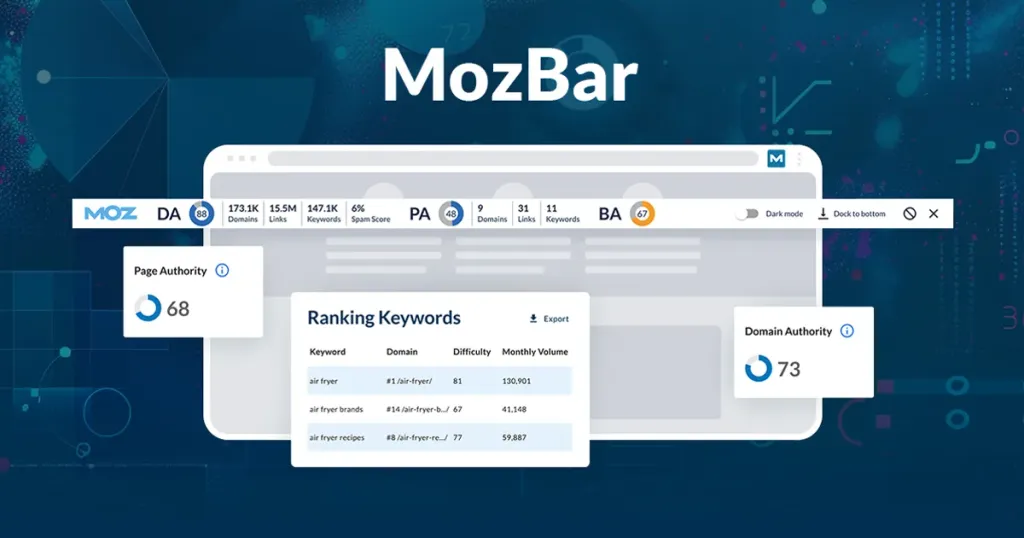
MozBar is still a go-to tool for many SEO professionals. It gives quick stats like Page Authority (PA), Domain Authority (DA), and Spam Score right in your browser. No need to click through menus. If you use Moz Pro, you also get country-specific ranking data, which is helpful when aiming at certain audiences. You can check on-page elements, see keyword placement, and with the planned 2026 AI content analysis, ensure your page’s purpose fits search engine focus. That feature could be very useful, pointing out topic gaps in competitor articles so you can adjust your plan.
Even with many features, the layout stays neat. Since the toolbar connects directly to Moz’s link index, backlink numbers show up instantly. This is great for judging guest post options or deciding if a niche site’s links are worth pursuing. Learn more about MozBar on Moz’s official site.
2. Ahrefs SEO Toolbar Best SEO Toolbar Extension
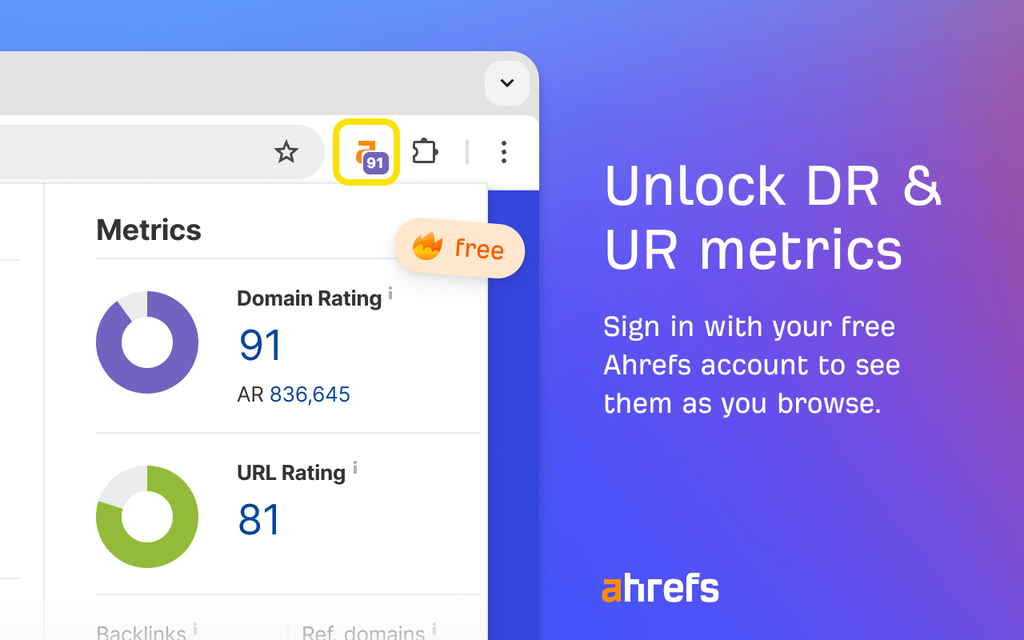
Ahrefs’ add-on works with Chrome and Firefox, showing on-page info, backlink numbers, and keyword rankings where you’re browsing. This is handy when researching competitors without switching tabs. With real-time index updates in 2026, backlink data now appears within hours. This helps link-building teams quickly see if outreach worked.
Recently, Ahrefs added AI-based keyword trend predictions, pointing to terms likely to grow. With their huge database, you can connect it to Google Sheets for live dashboards that refresh automatically. For deeper competitive insights, check Ahrefs.
3. SEOquake Best SEO Toolbar Extension
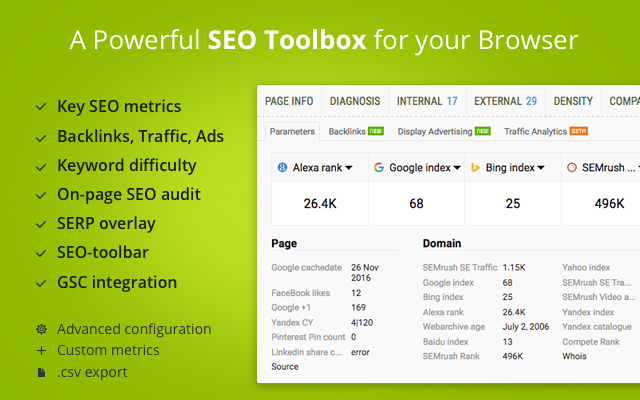
Made by SEMrush, SEOquake offers SERP overlays, keyword density checks, and quick link audits. All data can be saved as CSV files, useful for reviewing later. The SERP overlay helps compare metrics in search results without switching tabs.
In 2026, new filters sort SERP data by ranking changes, competition strength, and backlink quality. A smart use is running quick audits right in search results. See weak rival content? SEOquake shows what’s missing and gives improvement ideas. Visit SEMrush for more.
4. Keywords Everywhere Best SEO Toolbar Extension
Keywords Everywhere drops stats like search volume, CPC, and competition into Google, YouTube, and Amazon. This saves time when brainstorming blog ideas or PPC ads. In 2026, TikTok and Instagram data were added, helping match SEO phrases with social trends. It tags keywords by intent so you know your focus.
5. Ubersuggest Chrome Extension Best SEO Toolbar Extension
Neil Patel’s Ubersuggest packs keyword ideas, traffic stats, backlink details, and competitor insights. Smaller teams see it as a smart budget option. By 2026, AI will group related keywords into clear themes. It also works with Google Search Console to highlight weak pages for keyword improvement.
6. SEO Pro Extension Best SEO Toolbar Extension
This extension quickly shows meta tags, headings, schema, and structured data. That speed helps when fixing urgent issues. It provides more than title tag checks—it gives a site health overview. In 2026, smart schema checks will spot missing info or errors, keeping rich snippets intact.
7. META SEO Inspector Best SEO Toolbar Extension
META SEO Inspector finds missing metadata, canonical tag problems, and hreflang mistakes. In 2026, AI will write impactful meta descriptions. Brands use its hreflang checker for multi-language sites, fixing mismatches in bulk.
8. Hreflang Tag Checker Best SEO Toolbar Extension
This tool confirms each language version sends visitors to the right page. In 2026, it will connect with Google Analytics to spot mismatched audiences. You can also check how your site appears in different countries.
9. TextOptimizer Best SEO Toolbar Extension
TextOptimizer ensures your writing matches common search intent. In 2026, AI sentiment checks will improve tone. It reviews competitor pages, spots missing points, and guides you to cover topics completely.
10. Detailed SEO Extension Best SEO Toolbar Extension
Detailed SEO Extension checks on-page tags, indexability, and schema markup. In 2026, live crawl simulation will help spot issues before they hurt rankings.
Adapting to AI-Driven Search with Best SEO Toolbar Extensions
Generative Engine Optimization (GEO) is changing online visibility. Some toolbars let you preview AI-created answers. Start by giving clear answers to common questions, backed by trusted sources. By 2026, GEO-ready toolbars will copy AI summaries to help you spot weak headings or citations.
Zero-Click Search and SERP Features in Best SEO Toolbar Extensions
About 65% of Google searches end without clicks. Toolbars now help brands get rich snippets and AI Overviews. By 2026, they’ll spot snippet chances and suggest FAQ schema.
Video SEO Integration in Best SEO Toolbar Extensions
YouTube is huge, second only to Google. Certain toolbars show how your titles, descriptions, and tags perform. By 2026, they’ll examine retention charts to suggest ways to keep viewers engaged. Short-form platforms like TikTok and Instagram Reels are growing fast. Learn more about optimizing in our Short-form video SEO guide.
Choosing the Right Best SEO Toolbar Extensions for Your Needs
Start with the browser you use most—Chrome, Firefox, or even Internet Explorer. Then, think about features you need daily: backlink checks, keyword tracking, and site health tools. Check compatibility with your existing tools. By 2026, AI connections and multi-platform data pulls will be standard. Consider cost—free versions cover basics, but paid options add CRM links and analytics syncing. For more advice, visit our SEO tools for SaaS guide.
Your Path Forward with Best SEO Toolbar Extensions
SEO toolbars are evolving quickly. By 2026, expect smarter AI, cross-platform tracking, and consistent brand style tools. Try two or three toolbars side by side, then choose those that bring insights your audience values.
Common Questions about Best SEO Toolbar Extensions
MozBar and SEOquake give you handy SEO stats right in your browser. You can check page authority, see backlinks, and get quick insights. By 2026, they’ll likely include AI tips.
Some older extensions can still run on Internet Explorer, but most new ones are for Chrome or Firefox.
Yes. Many newer toolbars have built-in GEO tools that boost AI-based visibility.
For small businesses, they show keyword details and page stats quickly. Free versions cover basics, while paid ones offer deeper analytics.
Go to the Chrome Web Store or Firefox Add-ons page. Search for the toolbar you want, then add it to your browser. By 2026, some may allow direct installation from their sites.