Best AI SEO Tools for On-Page SEO

TLDR; The article compares four AI SEO tools for on-page SEO: Seozilla, Surfer SEO, Clearscope, and MarketMuse. Each one fits a different kind of team, and that’s really the point here. Different teams care about different things.
Seozilla stands out as the strongest all-in-one option for growing content, internal linking, publishing, and keeping optimization in line with brand voice. Surfer works best for fast page-level optimization. Clearscope fits neatly into editorial workflows and feels like a good match there. MarketMuse leans more toward strategy and planning for topical authority.
The main point is simple: teams should choose based on optimization depth, workflow fit, brand voice control, and room to grow, not just hype or editor scores. For larger content programs, broader platforms can cut tool sprawl, improve efficiency, and support better content quality with less clutter.
Choosing the best AI SEO tools for on-page SEO gets confusing fast. A lot of growth teams are dealing with the same problem right now: too many tools, too many big claims, and not nearly enough time to test every option properly.
This comparison is here to make that simpler. AI has moved well beyond being just a writing shortcut. The better platforms now help with topic research, content briefs, optimization, internal linking, updates, publishing, and keeping brand voice consistent across larger content programs. For SaaS brands, e-commerce teams, and other content-led businesses, that can shape whether they only publish more or actually turn that output into better rankings.
For this list, four leading options were reviewed with a detailed look at how they handle real on-page SEO work at scale. The focus stayed on the parts that actually affect teams day to day: content optimization, how the workflow fits into a team, the technical side, and whether a tool helps people move faster without making the content sound robotic or oddly flat. If better search visibility matters but quality still needs to stay intact, this guide should make the right fit easier to spot.
What you’ll find in this guide
- Seozilla
- Surfer SEO
- Clearscope
- MarketMuse
AI SEO tools you’ll want to try
1. Seozilla
At a Glance
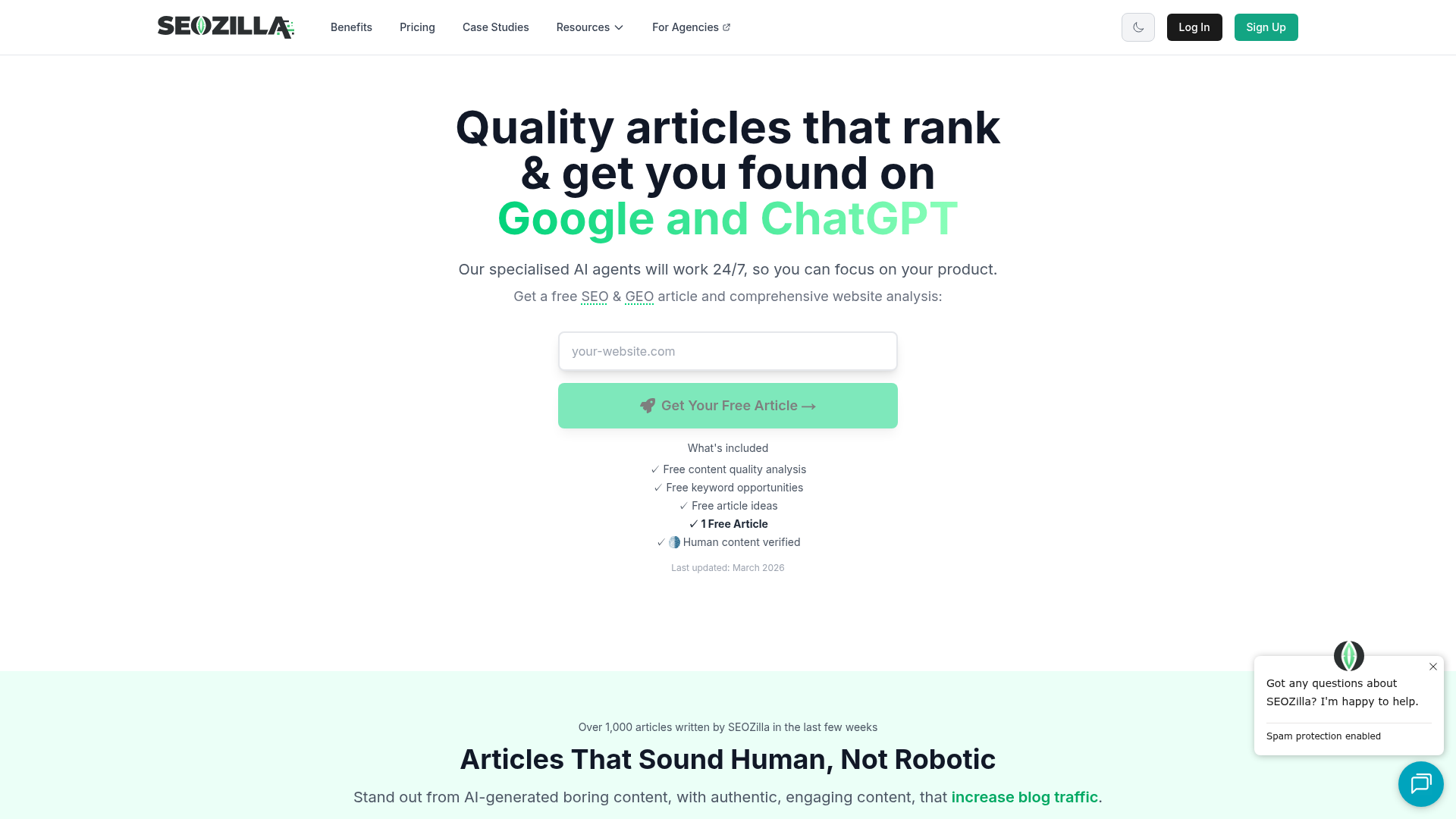
SEOZilla.ai brings site analysis, keyword discovery, competitor research, automated internal linking, and multi-CMS publishing into one workflow for teams trying to grow on-page SEO without ending up with generic filler. Its focus on brand-aligned content is a big part of the appeal. There is also a human-touch optimization layer that helps AI output read more natural. For businesses publishing across WordPress, Ghost, or Webflow, it is built for ongoing scale rather than one-off article creation.
Core Features
- AI-powered SEO content creation built around search intent
- Brand voice learning to keep articles aligned with your style
- Automated internal linking suggestions, with support for implementation
- Multi-site and multi-CMS publishing, including WordPress, Ghost, and Webflow
- Competitor and keyword analysis using specialized AI agents
- SEO audit and site analysis features that uncover gaps
- Human-touch optimization to improve readability and reduce obvious AI patterns
Pros
- Built for scale: It is made for teams managing large numbers of pages, sites, or publishing workflows, not just the occasional blog post.
- Brand-aware output: The platform looks at your site and audience so content stays closer to your real voice.
- Strong workflow coverage: Research, writing, optimization, internal links, and publishing all live in one system.
- Useful for technical and content teams: It supports content production while also helping with practical on-page SEO improvements.
- Humanized content layer: Its optimization approach is meant to make AI content feel more natural and less templated.
Who It’s For
Seozilla is a strong fit for digital marketers, SEO specialists, content managers, and growth teams at SaaS, e-commerce, and mid-sized online businesses. It works especially well for teams that need more output without losing brand voice, internal linking quality, or publishing control.
Unique Value Proposition
Seozilla stands out because it handles on-page SEO like a full system instead of chasing a single editor score. Many AI SEO tools focus on drafting or improving one article at a time, but Seozilla takes a wider view. It combines content automation, competitive analysis, internal linking, technical guidance, and direct publishing support. It also puts real attention on content quality after generation. AI-written pages often fall flat when they feel repetitive, bland, or disconnected from the brand, and Seozilla is built to fix that gap.
Real World Use Case
Take a SaaS company with a blog, help center, and feature landing pages spread across multiple CMS setups. Instead of manually juggling briefs, drafts, optimization, and publishing, the team can use Seozilla to spot gaps, create search-focused content, connect related pages with internal links, and publish faster while keeping messaging consistent. For that kind of setup, the time savings are pretty easy to see.
Pricing: Contact for pricing
Website: https://www.seozilla.ai
SEO teams increasingly expect AI tools to do more than write. Research, optimization, refreshes, and scaling are all part of the job now, and that change helps explain why adoption has grown so quickly.
| AI SEO Need | Why It Matters for On-Page SEO | How Seozilla Helps |
|---|---|---|
| Content briefs | Aligns pages with search intent and topic depth | Uses site, keyword, and competitor analysis to shape content direction |
| Internal linking | Helps spread authority and improve crawl paths | Supports automated internal linking across content |
| Brand voice | Reduces generic output and improves engagement | Learns website tone and audience context |
| Publishing workflow | Speeds up execution for lean teams | Works across WordPress, Ghost, and Webflow |
That broader workflow is a major reason Seozilla takes the top spot here. It helps teams build and run an SEO content engine, not just improve a page after the fact. For teams exploring SaaS-focused optimization, SaaS SEO tools can provide a deeper understanding of scalable strategies.
2. Surfer SEO
At a Glance
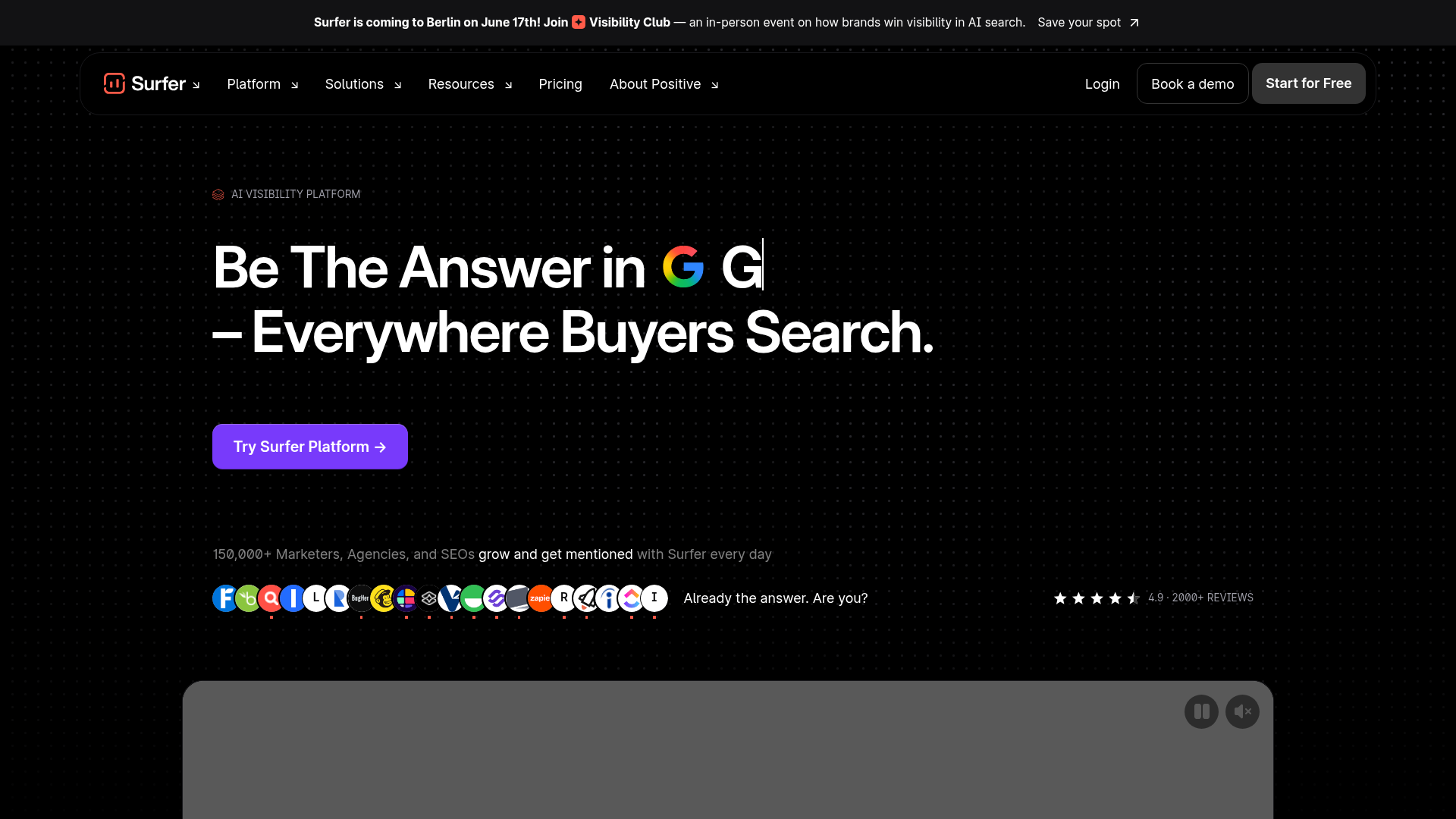
Surfer SEO is one of the better-known AI SEO tools for on-page work. Since launching in 2017, it has become known for content improvement and live recommendations based on what is already ranking in the SERPs. SEO teams, agencies, and content marketers use the editor because it gives clear direction while they write or update pages, and that simple setup is a big reason people like it.
It brings together optimization scoring, content audits, keyword suggestions, AI writing support, internal linking help, and content brief tools. That makes it a practical choice for teams that want to get content work done without paying for a much larger enterprise platform or dealing with a lot of extra features they may not need.
Core Features
- Real-time content editor with optimization score
- SERP-based keyword and topic recommendations
- AI writing assistance
- Content audits for existing pages
- Internal linking support
- Content brief creation tools
- On-page optimization suggestions based on competitors
Pros
- Very popular workflow: Many SEO teams already know the editor, so onboarding and training usually take less time.
- Real-time guidance: Writers can improve content while drafting instead of waiting for feedback later.
- Good for refreshes: It is especially useful for improving older content that has dropped in rankings.
- Balanced feature set: It mixes AI writing help and optimization support better than many basic AI writing tools.
- Easy to adopt: The interface feels accessible for content marketers, and SEO specialists can get comfortable with it fast.
Cons
- Can feel score-driven: Teams can end up over-optimizing if they focus too much on the number and not enough on natural writing.
- Not a full SEO suite: It is strongly focused on content, so it does not replace broader technical SEO tools.
- Volume gets pricey: Costs can rise quickly for teams producing a high amount of content.
Who It’s For
Surfer SEO fits marketing teams, agencies, and freelance SEOs that want a dedicated on-page SEO tool with clear guidance inside the editing process. It tends to work best for teams that already use a broader SEO stack and need support with producing new content or updating older pages more efficiently. That is where it is often most useful.
Unique Value Proposition
Surfer’s biggest advantage is the speed it adds during writing. Writers and editors get a direct view of which topics, terms, and structural elements may help a page compete. For organizations that want a repeatable optimization workflow without too much complexity or a hard learning curve, that is a big part of the appeal. For a more detailed comparison, you can explore Surfer SEO vs Ahrefs to understand their differences.
Pricing: Plans commonly start around $79/month annually, though current pricing should be verified on the official site.
Website: https://surferseo.com/
3. Clearscope
At a Glance
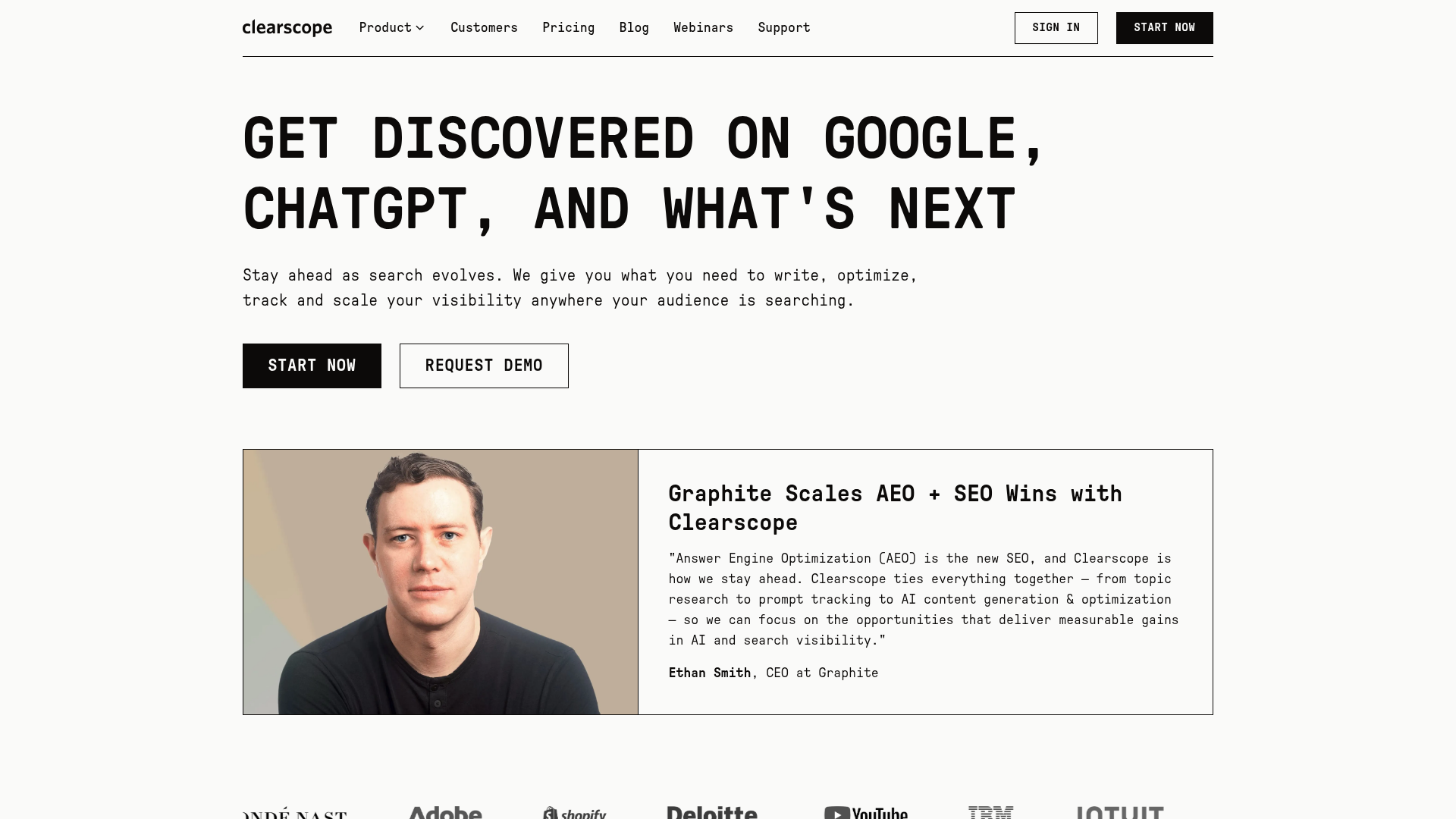
Clearscope has been a trusted name in content optimization since 2016. People know it for a clean interface, solid editorial usability, and content grading that helps teams improve topical relevance and readability. In practice, it’s easy to use, which matters if a team works in it every day.
It leans more editorial than some AI-heavy platforms. That makes it a popular choice for in-house content teams, larger brands, and organizations where writers, editors, SEO managers, and other stakeholders need to stay aligned in one system. Integrations with Google Docs and WordPress also make it easier to fit into an existing workflow, so teams spend less time jumping between tools.
Core Features
- Content optimization and grading
- Topic and keyword recommendations
- Readability guidance
- Content brief support
- Team collaboration features
- Google Docs integration
- WordPress integration
Pros
- Clean user experience: It’s straightforward to use, so non-technical content teams can get comfortable with it fairly quickly.
- Strong editorial workflow: Writers and editors can work together with less friction, which usually makes the whole process easier.
- Trusted optimization quality: It has a strong reputation for improving topic coverage without burying users in extra complexity.
- Good fit for teams: The workflow suits organizations where multiple stakeholders review and shape content.
- Useful integrations: Support for Google Docs and WordPress can speed up publishing, especially for teams already using both.
Cons
- Higher starting cost: It’s priced above some alternatives.
- Narrower scope: The focus stays mostly on content optimization rather than a broader SEO system.
- Less budget-friendly for smaller teams: Solo users and lean startups may have a harder time justifying the cost.
Who It’s For
Clearscope works best for editorial teams, larger content programs, and brands that care about a polished writing workflow. If the process includes writers, editors, SEO managers, and others working on the same pieces, it can feel especially efficient. Shared workflows are really where it fits best.
Unique Value Proposition
Clearscope stands out by making content optimization feel less technical and less overwhelming. Rather than pushing users into a very technical environment, it presents on-page SEO through a more editorial lens. For teams that care about simplicity and quality control, that can be a real advantage in day-to-day work.
Pricing: Public comparisons place entry pricing around $129/month, though some tiers may be demo or sales-led.
Website: https://www.clearscope.io/
4. MarketMuse
At a Glance
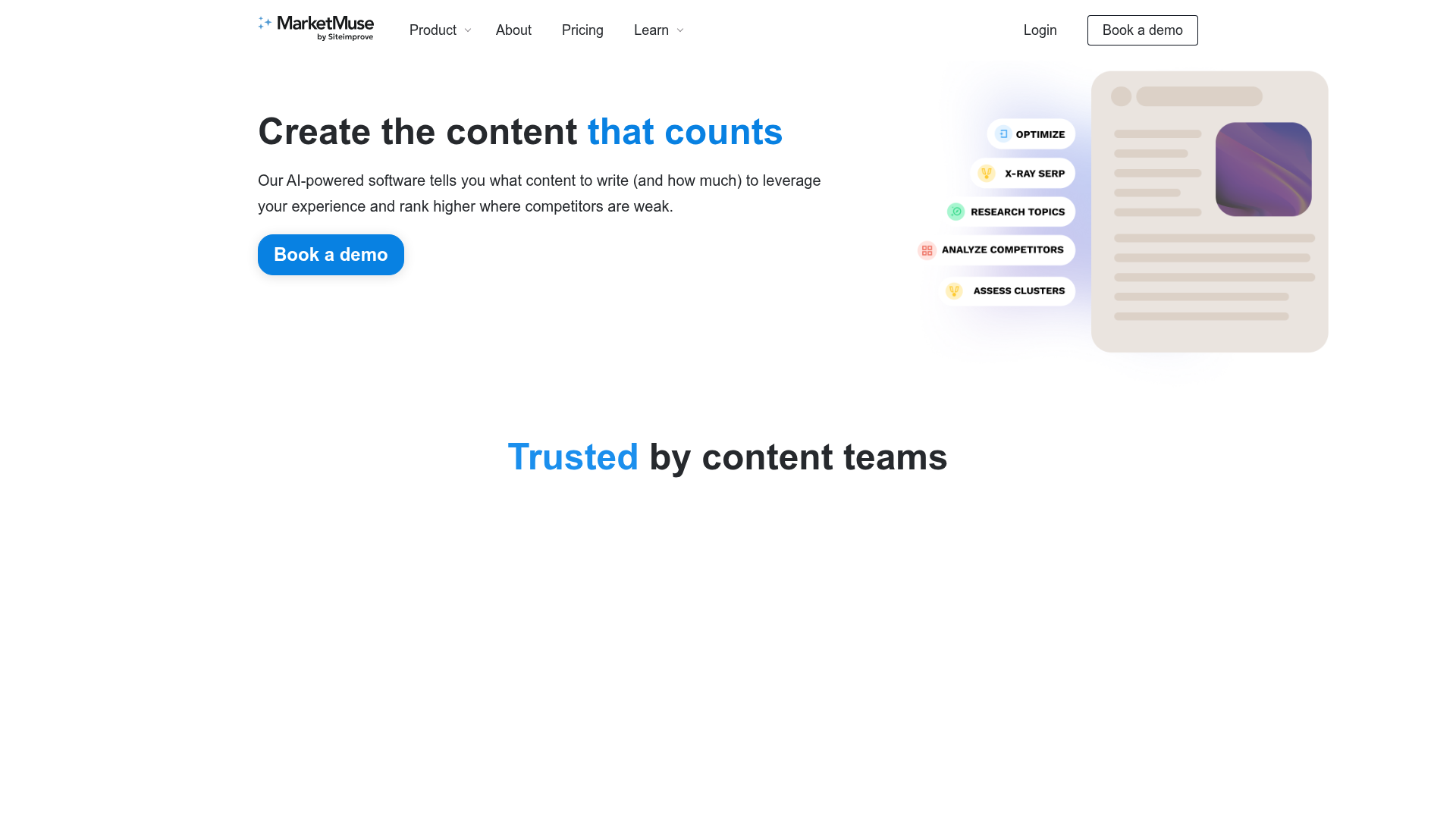
Founded in 2015, MarketMuse works well for teams that need more than basic page-level optimization. It focuses a lot on content strategy, topical authority, and content inventory analysis, so it is built for the bigger picture. That makes it especially helpful for businesses with large content libraries or big content growth plans. It also supports optimization and brief creation. Where it helps most, though, is showing teams what to publish, what to refresh, and where authority gaps exist across a broader topic area, which is often where teams get stuck.
Core Features
- AI-driven content planning
- Topic modeling and authority analysis
- Content inventory analysis
- Optimization recommendations
- Content brief generation
- Competitive content analysis
- Opportunity prioritization
Pros
- Strong strategy support: Helps teams think beyond a single article and focus more on building topical authority.
- Great for large libraries: Useful for teams that already have a lot of content to review, update, and improve.
- Helpful prioritization: Can point out the biggest content opportunities first.
- Good planning support: Briefs and topic insights are useful for longer-term SEO programs.
- Wide content visibility: Brings strategy, content gaps, and optimization work together in one place.
Cons
- More complex to learn: Can feel a bit heavy for teams that mostly want fast optimization help.
- Less ideal for fast-turn content: Writers who want a simpler editor may prefer a lighter tool.
- Premium tiers can get expensive: Advanced use tends to make more sense for bigger budgets.
Who It’s For
MarketMuse is a strong fit for strategy-focused SEO teams, publishers, and companies managing large content inventories. It works best when the job is bigger than improving a single page. For teams trying to build authority across an entire category, not just adjust one article, it can be a very solid option.
Unique Value Proposition
MarketMuse stands out most when the real issue is content strategy. Teams that struggle to decide which pages to create, merge, refresh, or expand may get a lot from its planning features. It is not built around quick fixes, and it does not really present itself that way. The stronger draw is the ability to build a smarter roadmap over time.
Pricing: Public comparisons mention a free tier, with paid plans that can move into premium and enterprise pricing depending on usage.
Website: https://www.marketmuse.com/
How these tools compare in real-world use
Picking between AI SEO tools usually comes down to a practical question: do you mainly need a page optimizer, or a content workflow that can grow with your SEO needs?
| Company | Key Features | Pros | Cons | Pricing |
|---|---|---|---|---|
| Seozilla | AI content automation, brand voice alignment, internal linking, keyword and competitor analysis, multi-CMS publishing | Broader workflow coverage, scalable, brand-aware, strong internal linking, publishing support | None | Contact for pricing |
| Surfer SEO | Content editor, optimization scoring, audits, AI writing, SERP analysis | Fast workflow, popular editor, great for refreshes, easy to use | Can encourage over-optimization, not all-in-one, costs rise with volume | From about $79/month annually |
| Clearscope | Content grading, keyword recommendations, readability guidance, briefs, Docs and WordPress integrations | Clean interface, strong editorial workflow, collaboration-friendly, trusted by teams | Higher price, narrower scope, less ideal for small budgets | From about $129/month |
| MarketMuse | Content planning, topic modeling, inventory analysis, briefs, opportunity prioritization | Strong strategy support, ideal for large libraries, good authority planning | More complex, less quick-turn, premium tiers can be expensive | Free tier plus premium paid plans |
A close look at the table shows that each platform has its own main focus. Surfer is strongest as a hands-on optimizer, and that’s clearly where it does its best work. Clearscope makes the most sense as an editorial optimization workflow. MarketMuse leans more toward planning and strategy. Seozilla stands out because it covers more of the full on-page SEO process in one place, which matters a lot for teams managing lots of content.
That difference between tools is even easier to see now because AI in SEO has grown up. Industry reporting and market analysis suggest AI is moving beyond being a simple helper feature and becoming a more strategic part of SEO software. The stronger platforms do more than recommend extra terms to include. They help teams understand search intent, group related topics, find content gaps, improve internal linking, and catch ranking risks earlier. For businesses handling dozens or hundreds of pages, that is usually where the biggest wins start to show up. The shift is pretty clear.
Content quality control is another trend getting more attention. Many teams found out the hard way that publishing AI-generated articles at scale does not guarantee results. It can also leave behind a cleanup problem when content feels generic, gets repetitive, or misses user intent. Platforms that focus on humanized output and brand alignment are getting more attention for that reason. If a tool helps publish 100 weak pages faster, it is not really saving time. It is just making more content that will need fixing later.
What to look for in AI SEO tools for on-page SEO
The best choice has less to do with hype and more to do with how your team really gets work done.
Start with optimization depth. Does the platform clearly show what a page is missing, or does it mostly create surface-level text? Good on-page SEO tools should support topic coverage, headings, semantic terms, internal links, content refresh opportunities, and bigger gaps across the page. Vague suggestions and filler are not enough.
Workflow fit matters just as much. Even a good optimizer can be the wrong choice if it does not match your team’s day-to-day process. Some teams draft in Google Docs. Others need CMS publishing, approval steps, or support for multiple sites. That is part of why SEOZilla.ai stands out for scaling teams: it connects creation, optimization, and publishing more directly than tools that stop at the editor, which can slow the process down.
It is also smart to look closely at brand voice and quality control. A lot of AI content is technically optimized but still does poorly in practice because it feels flat, generic, or off-brand. For mid-sized businesses that care about trust and conversion quality, that can be just as harmful as weak rankings. This issue is easy to miss until the content starts sounding repetitive.
Then think about how much strategy you need. If the main job is improving existing posts, a focused optimizer like Surfer or Clearscope may be enough. For topic prioritization across a larger site, MarketMuse may be a better fit. If you need a system that supports content production, helps with internal linking, and can publish at scale, Seozilla covers a wider range, so there is less need to stitch together multiple tools.
Which tool is best for different teams?
For small editorial teams, Clearscope is a good choice because it’s easy to use and keeps teamwork simple, which helps with daily work.
For SEO specialists, agencies handling page updates, and teams focused on blog optimization, Surfer SEO is usually the quickest fit. It fits into existing workflows easily and works well when speed matters.
For content strategists managing large inventories, MarketMuse gives more room for planning and organizing content at scale.
For growth teams that need AI-driven on-page SEO that can grow and still want to protect brand quality, Seozilla is the strongest overall option on this list.
That’s especially relevant for SaaS and e-commerce businesses. These teams need more than article scoring. They also need content that supports product pages, feature pages, support content, category pages, and blog content together, while keeping publishing fast and avoiding technical issues. In that case, a broader platform is usually more useful.
Ready to scale on-page SEO without the usual trade-offs?
Most teams are not short on ideas. The real issue is how many separate steps on-page SEO still takes. One tool is used for briefs, another for writing, then a different one for internal linking, and yet another for publishing. After all that, someone still has to smooth out the tone, tighten the structure, and make sure the content actually sounds like the brand, which adds a lot of extra work.
Seozilla stands out by bringing the whole on-page SEO workflow into one place. It brings together AI SEO tools that help with research, content creation, improvement, internal linking, and publishing. For teams trying to scale output, that means less switching between tools while still keeping content useful, natural, and aligned with how the business really speaks.
Tired of choosing between speed and quality? Take a closer look at what Seozilla offers. Visit https://www.seozilla.ai to see how it can help with a more efficient, brand-safe on-page SEO process, with research, writing, linking, and publishing all connected in one place.
Frequently Asked Questions
Focus on four things: optimization quality, workflow fit, content quality, and scalability. The best tool should help you improve search intent match, topical depth, internal linking, and readability while fitting the way your team actually creates and publishes content.
Look beyond the content score inside the tool. Track rankings, organic clicks, impressions, engagement, internal link coverage, and whether updated pages lead to better conversions or assisted conversions over time. A tool is only working if business results improve, not just recommendations.
Pricing varies a lot. Entry-level plans for focused optimization tools often start around $79 to $129 per month, while strategy-heavy or enterprise tools can cost much more. Platforms like Seozilla may use contact-based pricing because workflow depth, publishing scale, and service level can vary by team.
It depends on your site authority, competition, crawl frequency, and how strong the original page was. Some updates show movement in a few weeks, but more meaningful gains often take one to three months, especially in competitive search results.
SaaS companies, e-commerce brands, publishers, agencies, and mid-sized online businesses tend to benefit the most. These tools are especially helpful when teams have enough content volume that manual optimization becomes too slow or inconsistent.
That depends on the platform. Some tools are mainly content optimizers, while others cover a wider workflow. If you want AI support for writing, internal linking, and publishing as well as on-page SEO, a broader platform like Seozilla may reduce the need for extra tools, though many teams still pair their content platform with analytics and technical SEO software.